Workshop on Building Bite-Sized Learning:
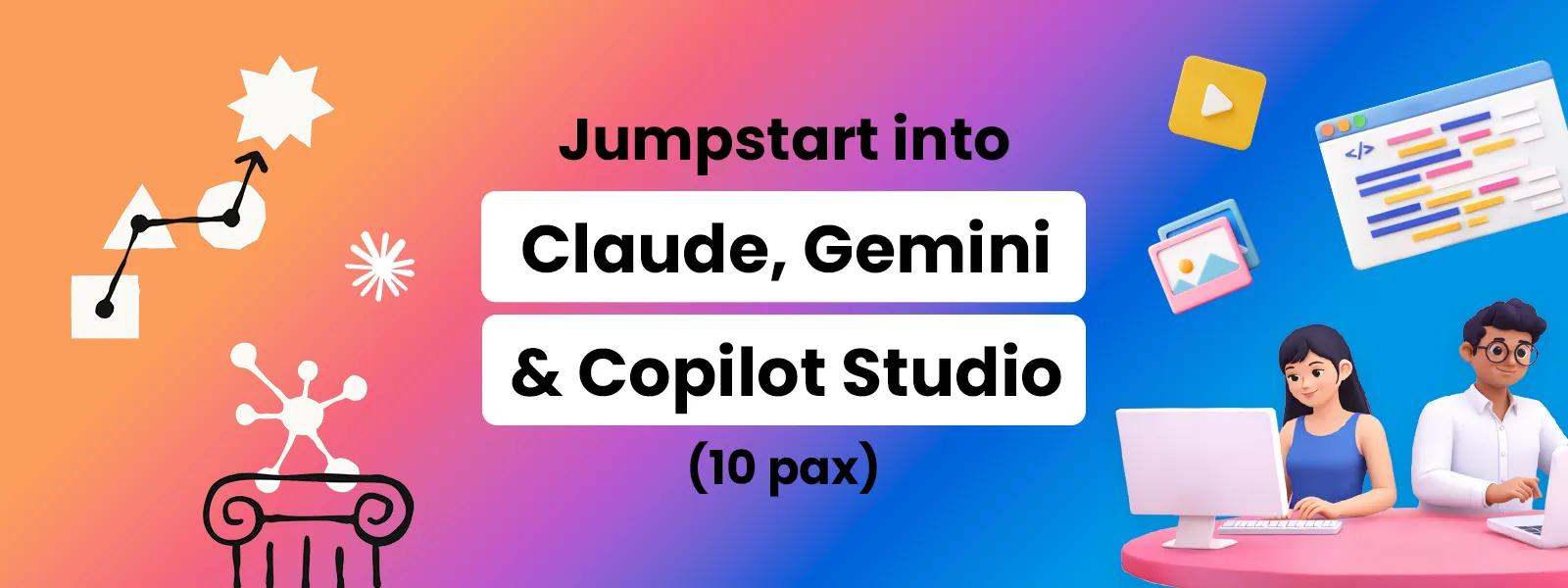
Jumpstart into Claude, Gemini & Copilot Studio
This workshop brings together Anthropic Claude, Google Gemini and Microsoft Copilot Studio in a cohesive, hands-on learning journey. Participants will explore how AI can support the creation of bite-sized, interactive and multimodal learning content, progress to AI-assisted coding and application development, and culminate in configuring agentic applications for practical engineering teaching and learning scenarios.
Workshop Details
| Course Cost* | $980 per participant (excluding GST)* |
| Min. Class Size | 10 pax |
| Duration | 8 hours |
| Format | Practical & Applied – You will build as you learn |
| Tool Coverage | Claude Code (50%), Google Gemini (35%), Microsoft Copilot Studio (15%) |
| Venue | Customer Premises (for participants from same organization) or Anewtech Training Room |
| Registration Closing Date | 30 Oct Workshop: Closed on 23 Oct 2026 27 Nov Workshop: Closed on 13 Nov 2026 |
*Includes the value of 1-year Claude Individual Pro and Google AI Pro subscriptions, subject to respective plan terms as of 1 Sep 2026.
Learning Outcomes
By the end of this workshop, participants will be able to:- Use Claude Code and AI-assisted coding workflows to build, modify, test and debug practical engineering teaching and learning (T&L) applications.
- Apply project context, structured instructions and iterative prompting to guide AI-assisted development and progressively refine application functionality and design.
- Create and prototype interactive engineering learning content, demonstrations and simple simulations using Gemini Canvas
- Organize and synthesize technical reference materials using NotebookLM to develop learning resources, study guides and research-oriented artifacts.
- Create instructional images, audio and video to explain engineering concepts using Nano Banana and Google Flow.
- Configure simple AI agents using Microsoft Copilot Studio to support practical engineering teaching and learning use cases.
- Integrate the tools into practical AI-assisted workflows for developing bite-sized learning content, interactive guides, simulations and agentic applications.
Workshop Plan
| Session | Details |
|---|---|
| Morning 8:30AM–12:30PM | AI Assisted Creation, Coding & Applications with Claude
|
| Afternoon 1:30PM–5:30PM | Interactive & Multimodal Learning Content with Google Gemini
Configuring AI Agents with Microsoft Copilot Studio Additional Request
|
Requirement
This is a practical-first workshop. Please bring a laptop.
You will be building live assets throughout the 8-hour duration.

 Substack